Real photographs
Every texture is processed from an Unsplash photograph, made seamless and credited. The grain is real, not a gradient imitation of it.
Skeuomorphism exists to make an interface feel familiar. A recessed field invites typing, a raised button invites a press and a switch looks like a switch. Fam builds those cues from photographs of real materials.
Every texture is processed from an Unsplash photograph, made seamless and credited. The grain is real, not a gradient imitation of it.
Each material is a tile between 12 KB and 85 KB. The notes example loads 250 KB of images and 100 KB of CSS (22.7 KB gzipped), with no JavaScript.
A tile repeats at its natural size and is never stretched, so any box in any shape gets the material. There are no images per breakpoint, and a phone loads the same files as a desktop.
Contrast is measured on the rendered pixels against WCAG AA. Every control has a keyboard focus ring, and forced colors, disabled states and missing backdrop blur are handled. It is one stylesheet with fam- classes.
Fam is a full UI framework when you want one, and a layer of texture when you do not. The materials are plain classes, so they sit under a minimalist, flat UI as easily as under Fam's own controls.
Use the buttons, switches, tabs, fields, lists, navigation and glass. Every control is built from the materials and works with the keyboard, so a whole interface can be Fam.
Keep your own minimalist components and put a material behind them, such as cork, wood, felt or leather. You add one class, and only the tile you use is downloaded.
<div class="fam-cork" style="padding: 32px">
  <!-- your own flat components -->
  <div class="card">...</div>
</div>These three boxes are all fam-felt. They share one tile, which is downloaded once.
Each tile is a 512px photograph, drawn at 256 to 380px. A material you do not use is never downloaded.
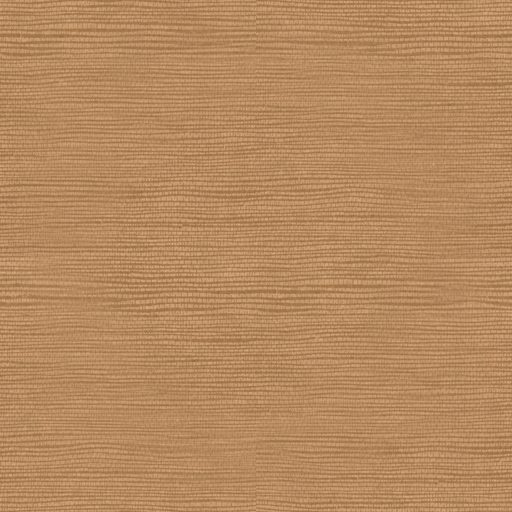
fam-wood53 KB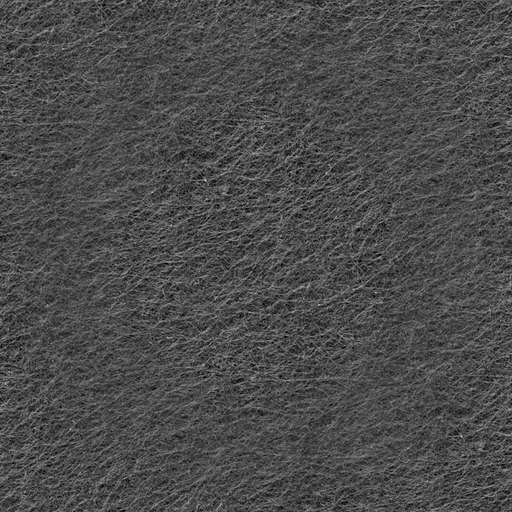
fam-felt85 KB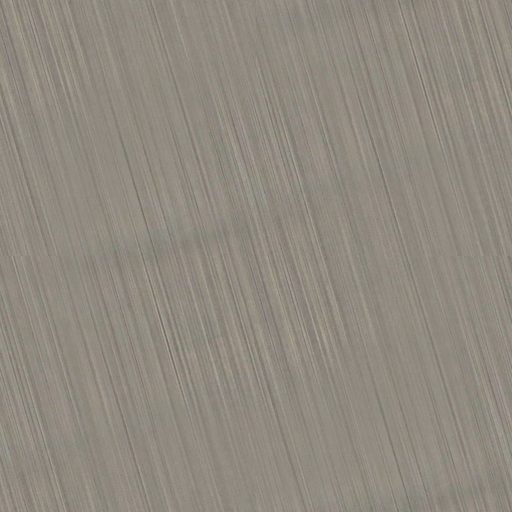
fam-metal-brushed35 KB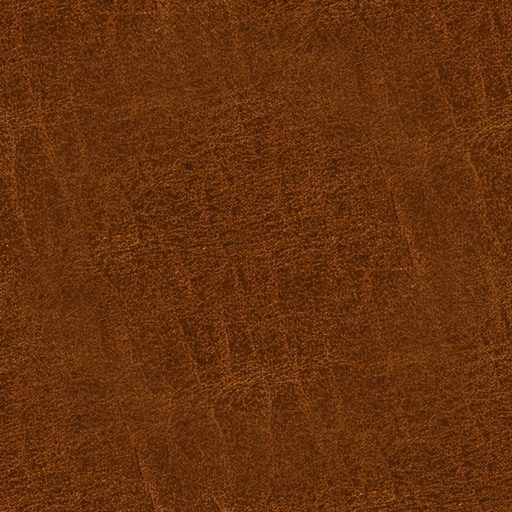
fam-leather71 KB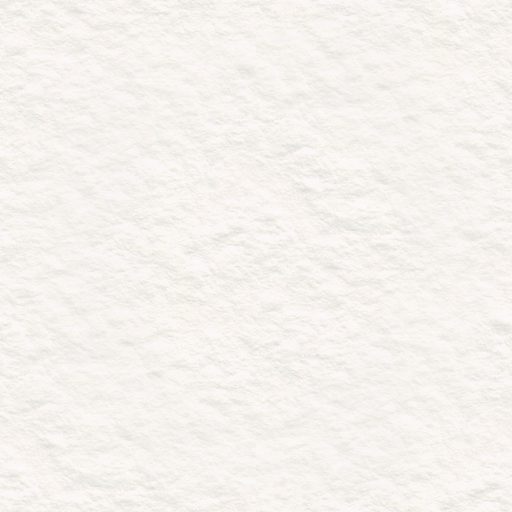
fam-paper27 KB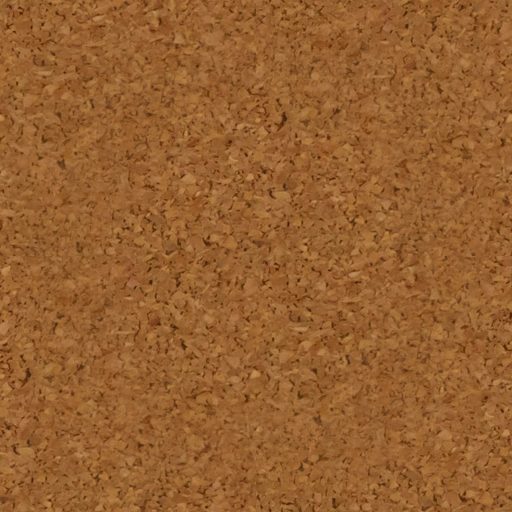
fam-cork56 KB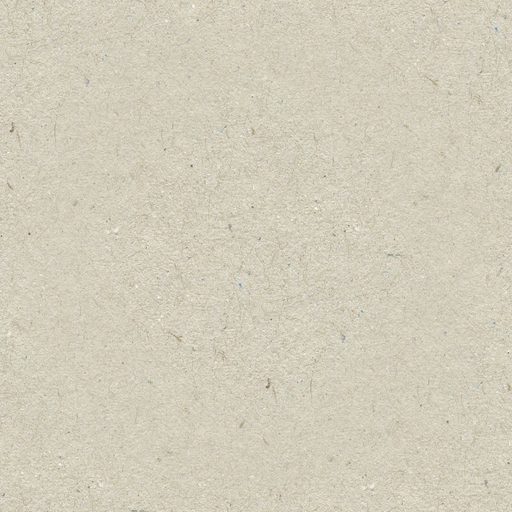
fam-cardstock51 KBMaterials are classes you combine. Choose a pairing to see it, and the markup that builds it.
The look of a game table: a wooden bar over a felt screen, with a glass search field, a switch and a candy progress bar.
<div class="fam-felt">
  <nav class="fam-nav fam-wood" aria-label="Sample navigation">
    <span class="fam-nav-brand">fam</span>
    <span class="fam-nav-item" aria-current="page">Controls</span>
    <span class="fam-nav-item">Progress</span>
  </nav>
  <div style="display: flex; flex-wrap: wrap; gap: 22px; align-items: center; padding: 24px 26px">
    <div class="fam-glass" style="width: 220px"><input class="fam-glass-input" placeholder="Search" aria-label="Search"></div>
    <label class="fam-switch"><input type="checkbox" role="switch" aria-label="Wi-Fi" checked><span class="fam-switch-knob"></span></label>
    <div class="fam-progress" role="progressbar" aria-label="Upload" aria-valuemin="0" aria-valuemax="100" aria-valuenow="68" style="flex: 1 1 160px; --fam-value: 68%">
      <div class="fam-progress-fill fam-progress-fill--candy"></div>
    </div>
  </div>
</div>A document list: white paper inside a tan stitched leather frame, like papers in a portfolio.
<div class="fam-leather-frame">
  <div class="fam-paper" style="padding: 14px">
    <ul class="fam-list" aria-label="Notes">
      <li><a class="fam-list-row" href="#"><b>Grocery run</b><span>Today</span></a></li>
      <li><a class="fam-list-row" href="#" aria-current="true"><b>Picnic plans</b><span>Yesterday</span></a></li>
      <li><a class="fam-list-row" href="#"><b>Book ideas</b><span>Monday</span></a></li>
    </ul>
  </div>
</div>Plastic buttons, a knob and a switch on brushed metal. See the buttons on the Controls page
<div class="fam-metal-brushed" style="display: flex; gap: 16px; align-items: center; padding: 28px">
  <button class="fam-plastic fam-plastic--red" type="button">Record</button>
  <button class="fam-plastic fam-plastic--green" type="button">Play</button>
  <button class="fam-plastic fam-plastic--amber" type="button">Pause</button>
  <span class="fam-knob fam-cast-lg" role="img" aria-label="Metal knob"></span>
  <label class="fam-switch"><input type="checkbox" role="switch" aria-label="Loop" checked><span class="fam-switch-knob"></span></label>
</div>fam-plastic-panel is a cream plastic surface to put controls on: dials, a case of buttons, plastic buttons and radio LEDs. The dial is drawn in CSS: --fam-knob-angle turns its tick, and its label should say its value. See the dials on the Controls page
<div class="fam-plastic-panel fam-round-md" style="display: flex; flex-wrap: wrap; gap: 20px; align-items: center; padding: 28px">
  <span class="fam-dial fam-cast-lg" role="img" aria-label="Volume low" style="--fam-knob-angle: -100deg"></span>
  <span class="fam-dial fam-cast-lg" role="img" aria-label="Volume medium"></span>
  <span class="fam-dial fam-cast-lg" role="img" aria-label="Volume high" style="--fam-knob-angle: 100deg"></span>
  <div class="fam-button-group fam-button-group--case" role="group" aria-label="Playback mode">
    <button class="fam-plastic fam-plastic--cream fam-plastic--square" type="button" aria-label="Mode 1" aria-pressed="false"></button>
    <button class="fam-plastic fam-plastic--cream fam-plastic--square" type="button" aria-label="Mode 2" aria-pressed="true"></button>
    <button class="fam-plastic fam-plastic--cream fam-plastic--square" type="button" aria-label="Mode 3" aria-pressed="false"></button>
  </div>
  <button class="fam-plastic fam-plastic--red fam-shadow-md" type="button">Record</button>
  <button class="fam-plastic fam-plastic--blue" type="button" disabled>Disabled</button>
  <label class="fam-radio fam-radio--plastic"><input type="radio" name="panel-mode" checked><span class="fam-radio-dot"></span>On</label>
  <label class="fam-radio fam-radio--plastic"><input type="radio" name="panel-mode"><span class="fam-radio-dot"></span>Off</label>
</div>A leather-bound notepad: a ruled yellow legal pad inside a black stitched leather frame.
<div class="fam-leather-frame fam-leather-frame--black">
  <div class="fam-legal-pad" style="padding: 0 20px 24px 54px; font: 20px/24px var(--fam-font-hand); color: #2b2216">
    Picnic plans<br>- Bring the blue blanket<br>- Sandwiches and lemonade
  </div>
</div>A glossy wood frame beside a corkboard inside a wood frame. See it on the Materials page
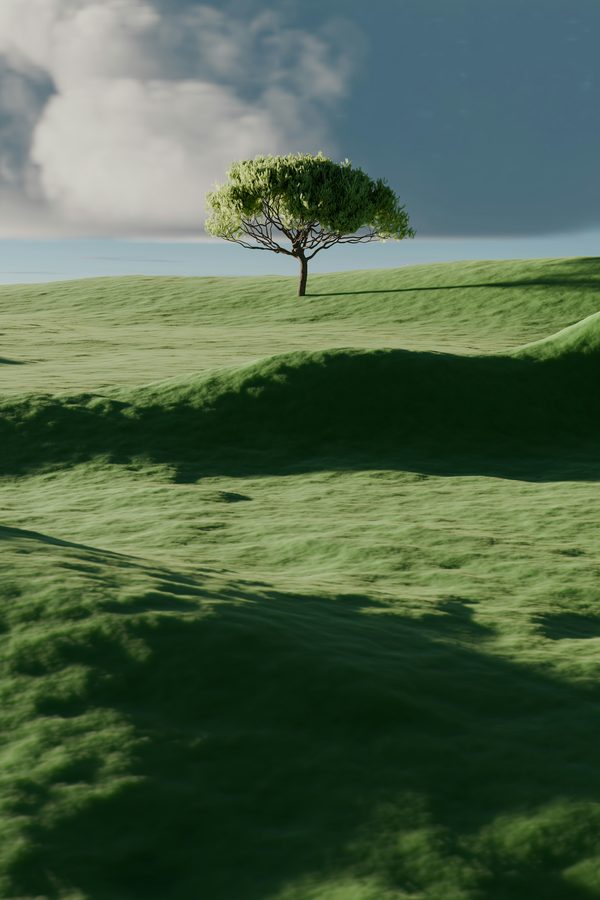
<figure class="fam-wood-frame fam-wood-frame--glossy"><img src="photo.jpg" alt="A lone tree on a hill"></figure>
<div class="fam-wood-frame"><div class="fam-cork" style="height: 150px"></div></div>Frosted glass over color. The rim picks up the colors beside it in every browser. See it on the Glass page
glass fam-glass
Every texture with the class that makes it, plus tints, gloss, rounding, shadows, reflections, navigation bars, photo frames and engraved text.
Open materialsEach kind of control documented with its classes: buttons, radios, tabs, knobs, switches, LEDs, progress tubes, fields, lists and tables.
Open controlsFrosted blur, the ambient glow and refraction, with a lens you can tune.
Open glassFull pages: a notes app, a sign-in card, felt controls and photo frames.
Open examples